- Personal
- Help
- Ways To Bank
- Apple Pay
Go contactless and set up Apple Pay in a few minutes
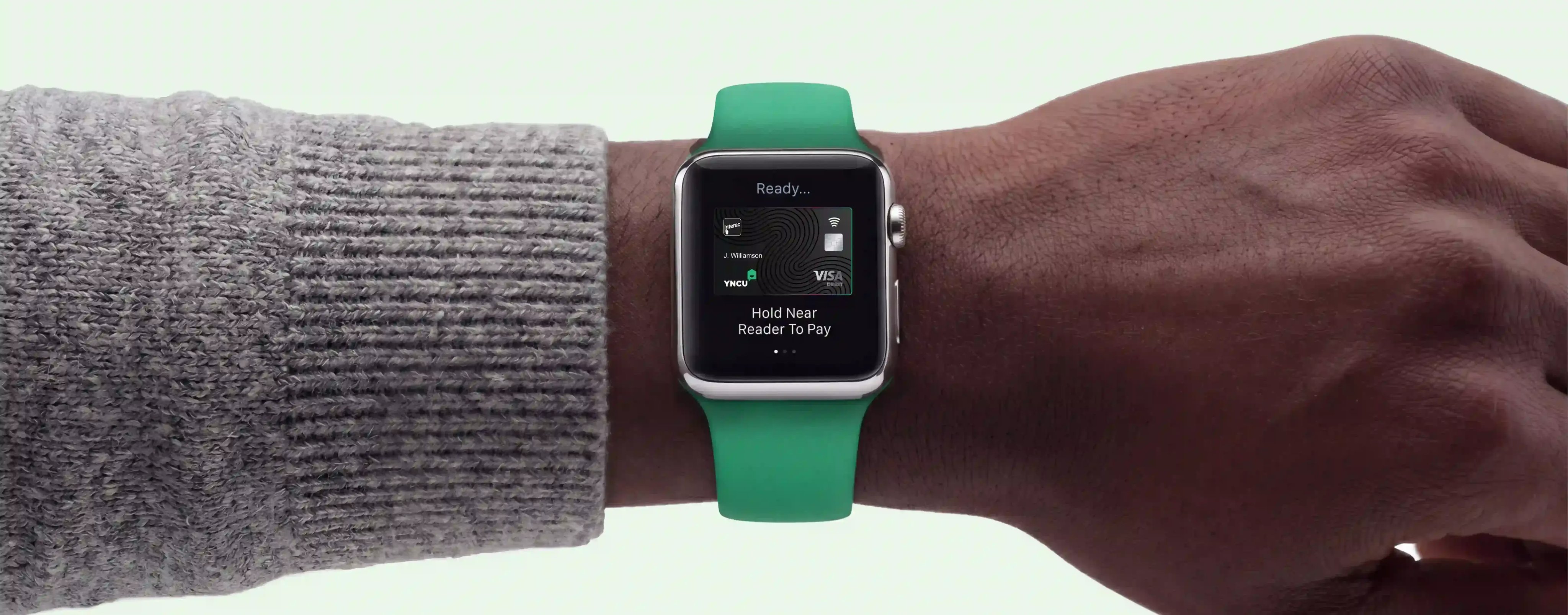
Add your YNCU Visa Debit card or Collabria Mastercard to Apple Pay and make purchases with your iPhone, Apple Watch, iPad, or Mac wherever Apple Pay or contactless payments are accepted. Use it in stores, in apps, and online without reaching for your physical card.

How to set up Apple Pay with your YNCU card
Apple keeps the latest steps for adding a card to Apple Wallet. Follow Apple’s current instructions to add and verify your YNCU Visa Debit or Collabria Mastercard on a supported Apple device.
Eligible Apple devices
Can I add my YNCU card to Apple Pay?
Commonly asked questions
Apple Pay is a digital payment option that lets you use an eligible Apple device to make purchases with your YNCU debit card or Collabria Mastercard. Once your card is added to Apple Wallet, you can pay in stores, in apps, and online where Apple Pay or contactless payments are accepted.
Open the Wallet app on your iPhone, tap the plus sign, and follow the prompts to add your YNCU debit card or Collabria Mastercard. You may need to verify your card before you can start using Apple Pay.
Yes. You can add your activated YNCU debit card to Apple Wallet and use Apple Pay for everyday purchases with your eligible Apple device.
Yes. YNCU’s mobile wallet information says you can add a YNCU debit card and Collabria Mastercard to your Apple device for easy payments.
You can use Apple Pay anywhere Apple Pay or contactless payments are accepted. Look for the Apple Pay symbol or contactless payment symbol at checkout, then use your iPhone or Apple Watch to pay.
Yes. Apple Pay uses built-in security features to help protect your payment information. Your actual card number is not shared with merchants, and purchases on iPhone, Apple Watch, Mac, or iPad require Face ID, Touch ID, or your passcode.
It is a good idea to keep your physical YNCU card with you as a backup. Apple Pay is convenient for everyday purchases, but some merchants, terminals, or situations may still require your physical card.
Yes. You can remove your YNCU debit card or Collabria Mastercard from Apple Wallet anytime. Open the Wallet app, choose the card, go to card details, and follow the prompts to remove it.